


Here’s something that might surprise you: while everyone’s talking about the next big thing in eCommerce, we’re completely ignoring 1.6 billion potential customers. That’s right – people with disabilities represent a massive market worth $18 trillion globally, yet most online stores treat accessibility as an afterthought.
I’ve been working in eCommerce development for years, and honestly, it’s frustrating to see how many businesses miss this opportunity. Just last week, I watched a client lose a major customer because their checkout process wasn’t screen reader compatible. That’s not just bad business – it’s completely avoidable.
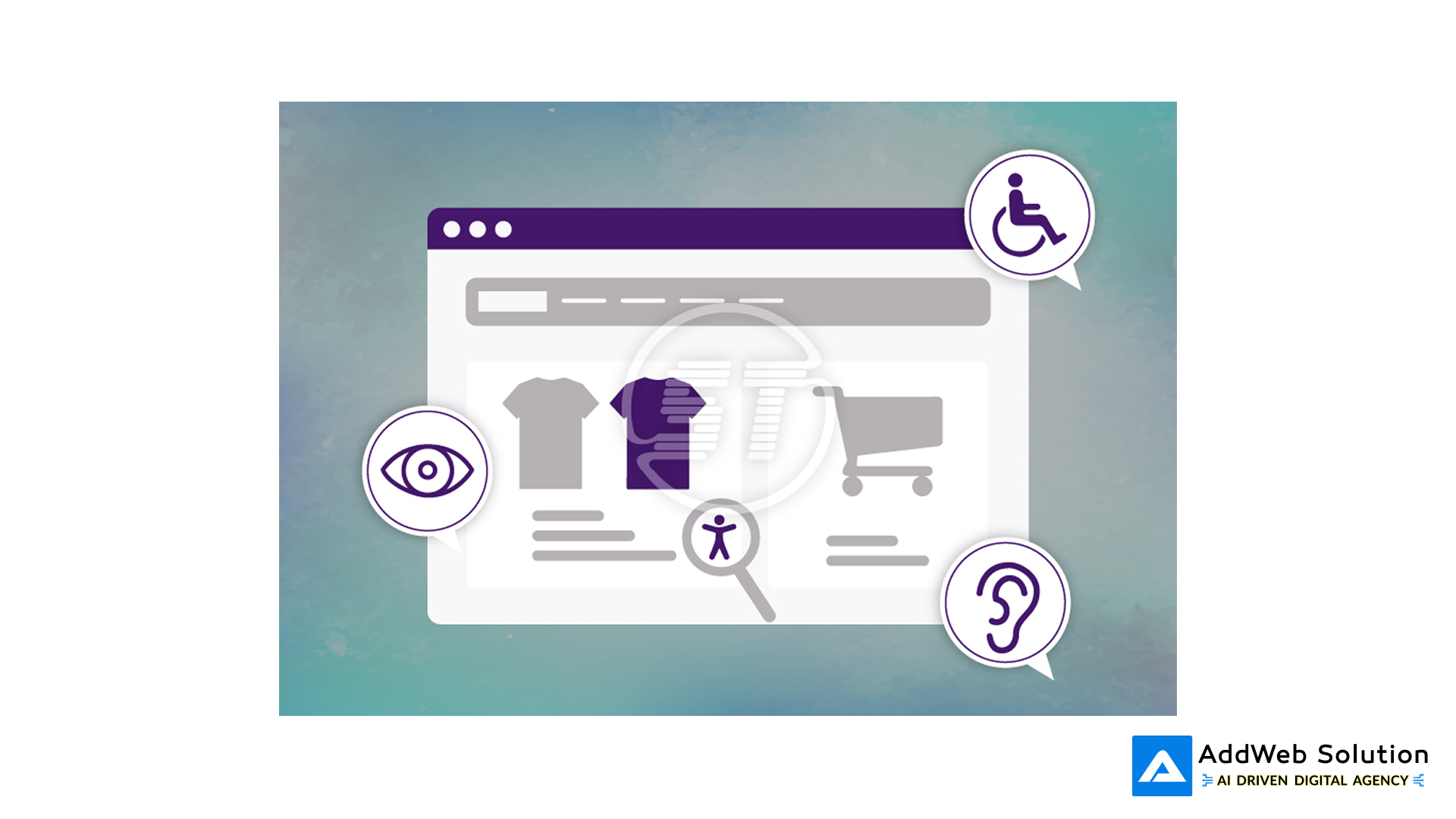
Illustration of accessibility features integrated into an e-commerce interface foran inclusive user experience.
Let’s Talk Numbers (They’re Eye-Opening)
The disability market isn’t small. We’re talking about serious money here. In North America and Europe alone, people with disabilities control $2.6 trillion in disposable income. Yet here’s the kicker – 71% of these users will leave your site within seconds if it’s not accessible.[1][2]

Global Disability Market Size and Spending Power by Region
During the holidays, e-commerce platforms lose $828 million annually because their websites aren’t accessible. That’s not a typo. Almost a billion dollars in lost revenue because companies couldn’t be bothered to add alt text or fix their keyboard navigation.
When I explain this to clients at AddWeb Solution, their first reaction is usually shock. Nobody expects the numbers to be this big.
The Reality Check: Most Sites Are Terrible
Let’s be brutally honest about where we stand. I recently analyzed nearly 900 eCommerce websites, and the results were pretty depressing. Only 16% of sites meet basic accessibility standards.
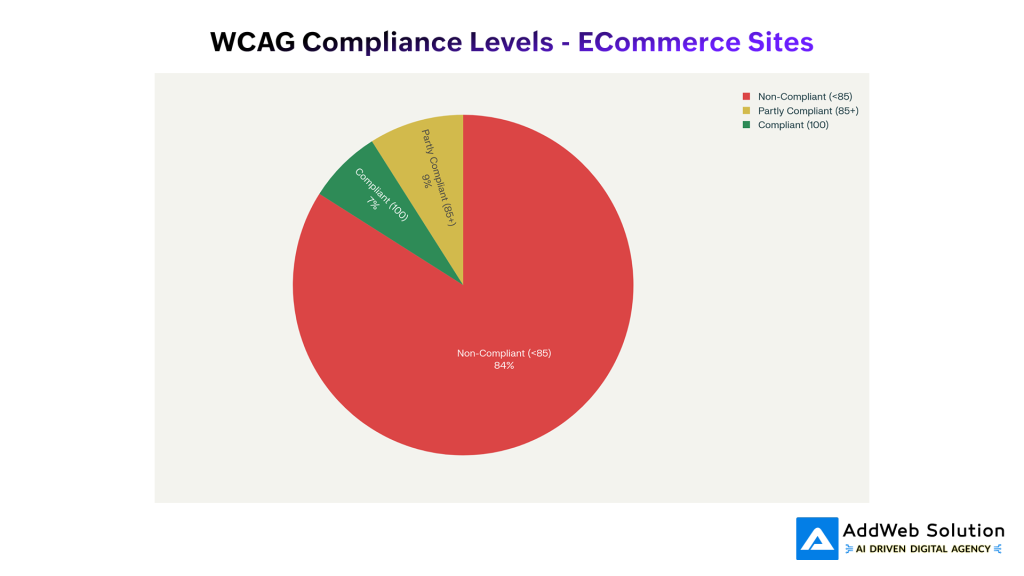
WCAG Compliance Levels in eCommerce Websites – Only 16% of sites meet accessibility standards
Breaking it down by platform:
- Shopify stores: Only 11% are fully compliant
- WooCommerce sites: Zero percent. Not a single one was fully compliant
- BigCommerce platforms: 8% compliant
This isn’t just a technical problem – it’s a massive business opportunity sitting right in front of us.
Universal accessibility icon symbolizing inclusivity and compliance with accessibility guidelines.


WCAG Guidelines: Your Roadmap (Not as Scary as It Sounds)
Everyone freaks out when you mention WCAG, but it’s really just common sense organized into four principles. Think of it as good UX that happens to help people with disabilities, too.
Make It Perceivable
This means people can actually see or hear your content. Sounds obvious, right? But you’d be amazed at how many product images lack proper descriptions. Instead of “red shoes,” try “Red leather high-heeled pumps with 3-inch stiletto heel and pointed toe.” Your customers using screen readers will thank you.
Make It Operable
Everything that works with a mouse should work with a keyboard. Period. I can’t tell you how many checkout processes I’ve tested that completely break when you try to tab through them.
Make It Understandable
Use plain English. Skip the marketing fluff when writing error messages. “Payment failed – please check your card details” beats “An unexpected error occurred in the payment processing module.”
Make It Robust
This is where clean code matters. Proper HTML structure isn’t just for SEO – it’s what makes screen readers actually work.
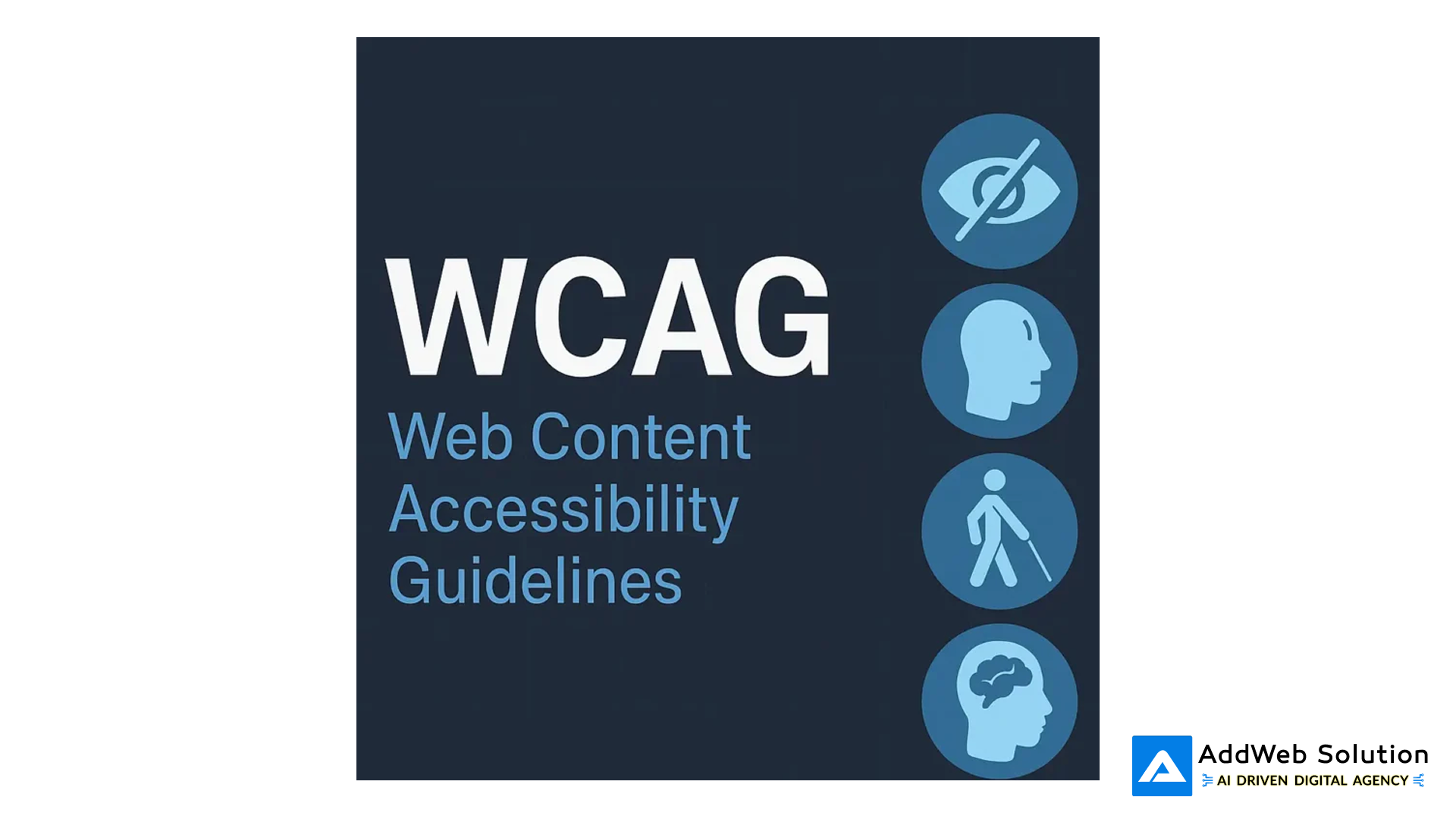
WCAG logo and icons representing different aspects of web accessibility standards for inclusive design.
Why Your CFO Will Love Accessibility (Show Them These Numbers)
Every business decision comes down to ROI, and accessibility delivers big time. For every dollar you spend on accessibility, you can expect up to $100 in returns. That’s not wishful thinking – that’s documented business results.
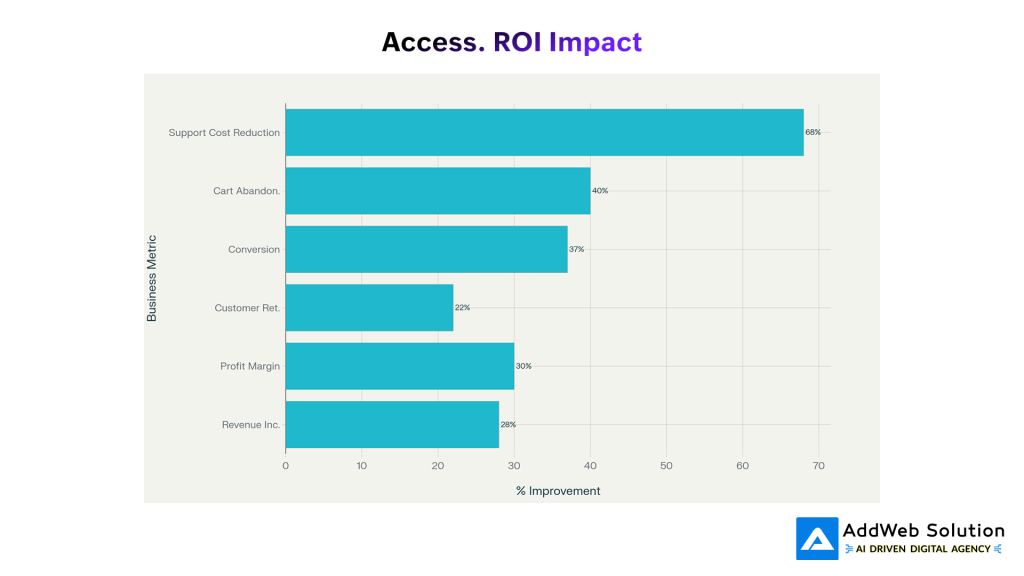
Business ROI of eCommerce Accessibility – Significant improvements across key metrics
Here’s what happens when you get accessibility right:
More Money Coming In: Companies focusing on accessibility see 28% higher revenue and 30% higher profit margins. Target’s website redesign for accessibility brought in 20% more revenue.
Customers Stick Around: Accessible websites keep 22% more customers and get 45% more repeat purchases.
Fewer Headaches: Support costs drop by 68% because when things are clear and easy to use, people need less help.
Legal Protection: With over 3,000 accessibility lawsuits filed last year and settlements reaching $350,000, this isn’t just nice to have anymore.
Industry Reality Check
Some industries are getting hit harder than others. Fashion eCommerce got slammed with 94 lawsuits in just one month this year. The problems are predictable – product photos without descriptions, size selectors that only work with a mouse, and filtering systems that break with keyboard navigation.
Restaurants aren’t doing much better, with 54 lawsuits in the same period. PDF menus that screen readers can’t parse and ordering systems that timeout on users who need extra time are common issues.
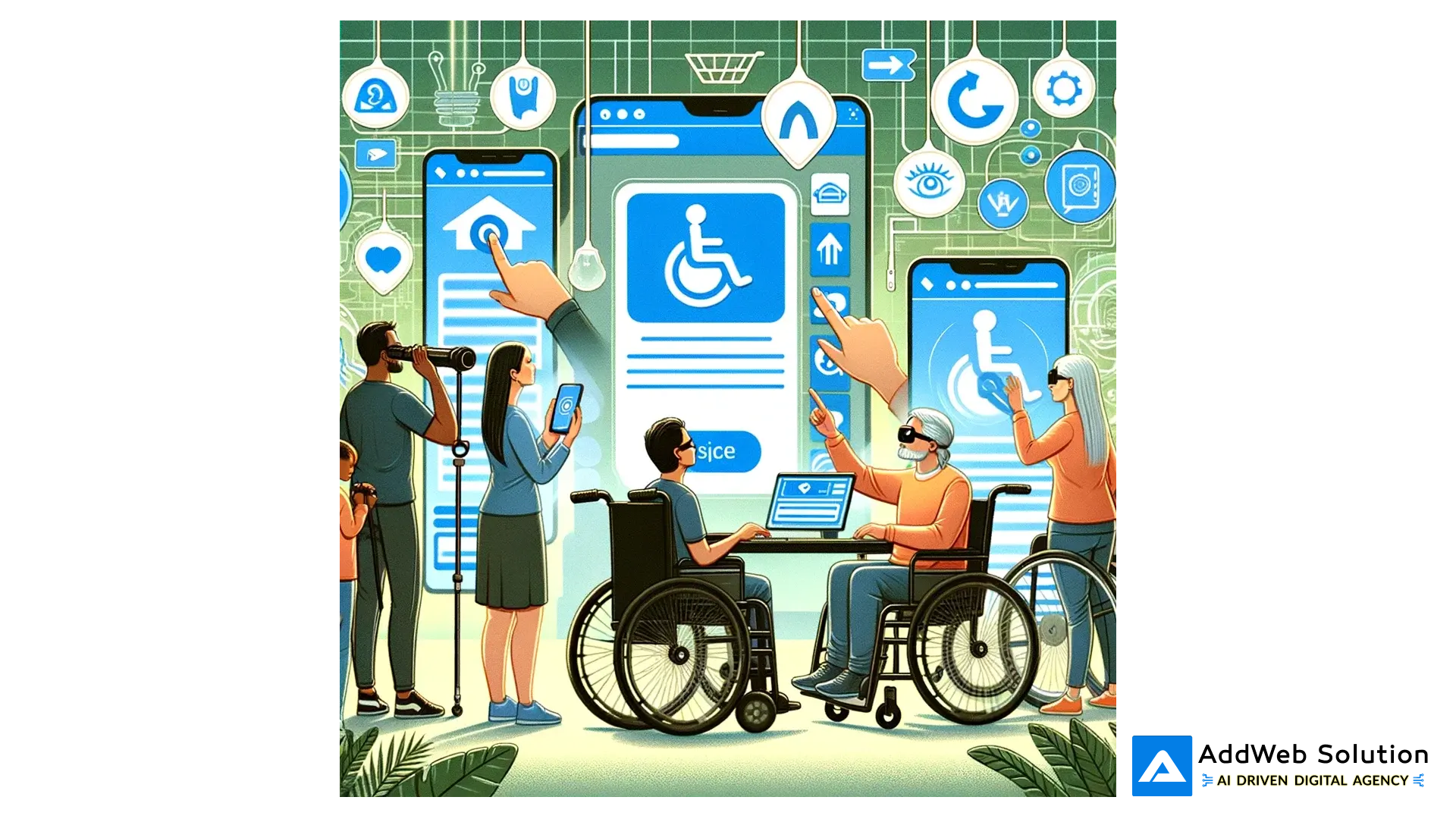
Illustration showing people with disabilities interacting with accessible eCommerce interfaces on smartphones, highlighting inclusive online shopping design.
Getting It Right: What Actually Works
After working on dozens of eCommerce accessibility projects, here’s what I’ve learned works in the real world:
Navigation That Makes Sense
Skip links aren’t just checkboxes to tick – they’re lifesavers for keyboard users. Create clear heading structures. If I can’t understand your site hierarchy by looking at your H1, H2, H3 tags, neither can assistive technology.
Product Pages That Tell the Story
Product descriptions need to paint a picture. Don’t just list features – help people understand what they’re buying. Size charts should work without color coding. Zoom functions need keyboard alternatives.
Search That Actually Helps
Make your search forgiving. Autocorrect isn’t just nice – it’s essential for people with dyslexia or motor disabilities who might have trouble with precise typing.
Check out That Doesn’t Fail
This is where we lose people. At AddWeb Solution, we’ve seen dramatic improvements when clients simplify their checkout process. Clear progress indicators, descriptive error messages, and guest checkout options aren’t accessibility features – they’re just good business.
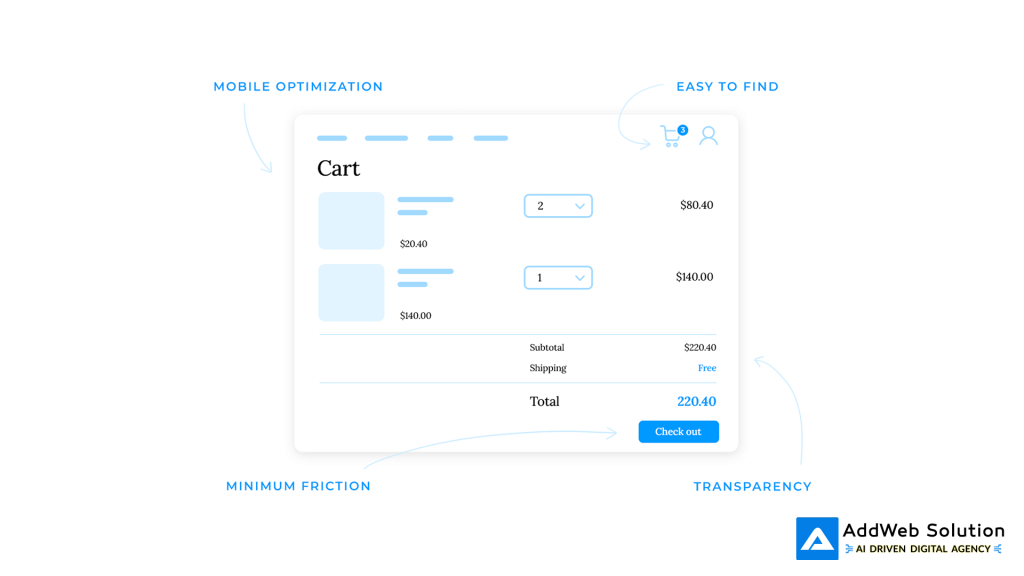
An accessible and user-friendly eCommerce cart design emphasizing mobile optimization, ease of use, transparency, and a smooth checkout experience.
Tools That Actually Work (And Some That Don’t)
I’ve tried pretty much every accessibility testing tool out there. Here’s what’s worth your time:
For Daily Use:
- axe DevTools: Browser extension that catches most issues
- WAVE: Visual feedback that makes problems obvious
- Lighthouse: Built into Chrome, good for quick checks
For Serious Testing:
- BrowserStack: Test on real devices with real assistive technology
- Manual keyboard testing: Nothing beats actually trying to use your site with Tab and Enter
- Screen reader testing: NVDA is free and will humble you quickly
The key is testing early and often, not treating it like a final checklist item.
The Legal Stuff (It’s Not Going Away)
The European Accessibility Act hits in June 2025, affecting any business that sells to EU customers. That’s probably you. The requirements are straightforward – WCAG 2.1 Level AA compliance, accessible checkout, and proper customer service options.
In the US, ADA lawsuits keep climbing. State laws are getting tougher, too. California and New York have specific requirements that go beyond federal guidelines.
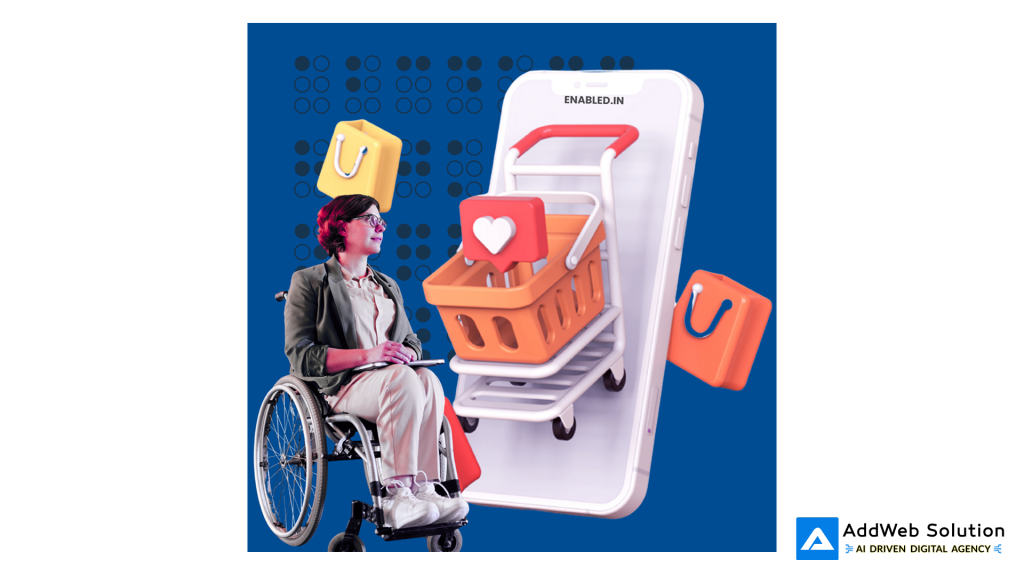
Representation of accessibility in e-commerce with a wheelchair user and online shopping elements underlining inclusive design.
What’s Coming Next
Voice commerce is growing fast, but most implementations ignore accessibility completely. AI-powered recommendations are great until they don’t work with screen readers. As we add more bells and whistles to e-commerce, we need to make sure they work for everyone.
AR shopping experiences are exciting, but what’s the fallback for users who can’t see the virtual try-on? These aren’t future problems – they’re happening now.
Building This Into Your Process
At AddWeb Solution, we’ve learned that retrofit accessibility is expensive and frustrating. Building it in from the start is much smarter. Train your team early. Make accessibility part of code reviews. Create component libraries that are accessible by default.
Most importantly, test with real users who have disabilities. You’ll learn more in one hour of watching someone use a screen reader than in weeks of automated testing.
We help you build, test, and launch accessible online storefronts that convert.

Pooja Upadhyay
Director Of People Operations & Client Relations
Your Action Plan (Start Here)
Week 1-2: Run an accessibility audit. Focus on the big problems first – images without alt text, forms that don’t work with keyboards, videos without captions.
Week 3-6: Fix the critical issues. This isn’t glamorous work, but it’s necessary. Get your basics right before worrying about advanced features.
Week 7-12: Start testing with real users. Find local disability organizations that might help with user testing. Their feedback will be invaluable.
Ongoing: Make accessibility part of your standard process. Every new feature should be accessible from day one.
The Bottom Line
Accessibility isn’t charity work – it’s smart business. With 88% of websites failing basic accessibility standards and an $18 trillion market waiting, this represents one of the biggest opportunities in e-commerce today.
Companies that get ahead of this curve will have a massive competitive advantage. Those that don’t will keep losing customers and dealing with lawsuits.
At AddWeb Solution, we’ve seen firsthand how accessibility improvements boost conversions, reduce support costs, and open up new markets. It’s not about checking compliance boxes – it’s about building better products that work for everyone.
The choice is simple: keep serving only part of your potential market, or embrace accessibility to reach everyone. In today’s competitive landscape, can you really afford to ignore 1.6 billion potential customers?
Source URLs:
