


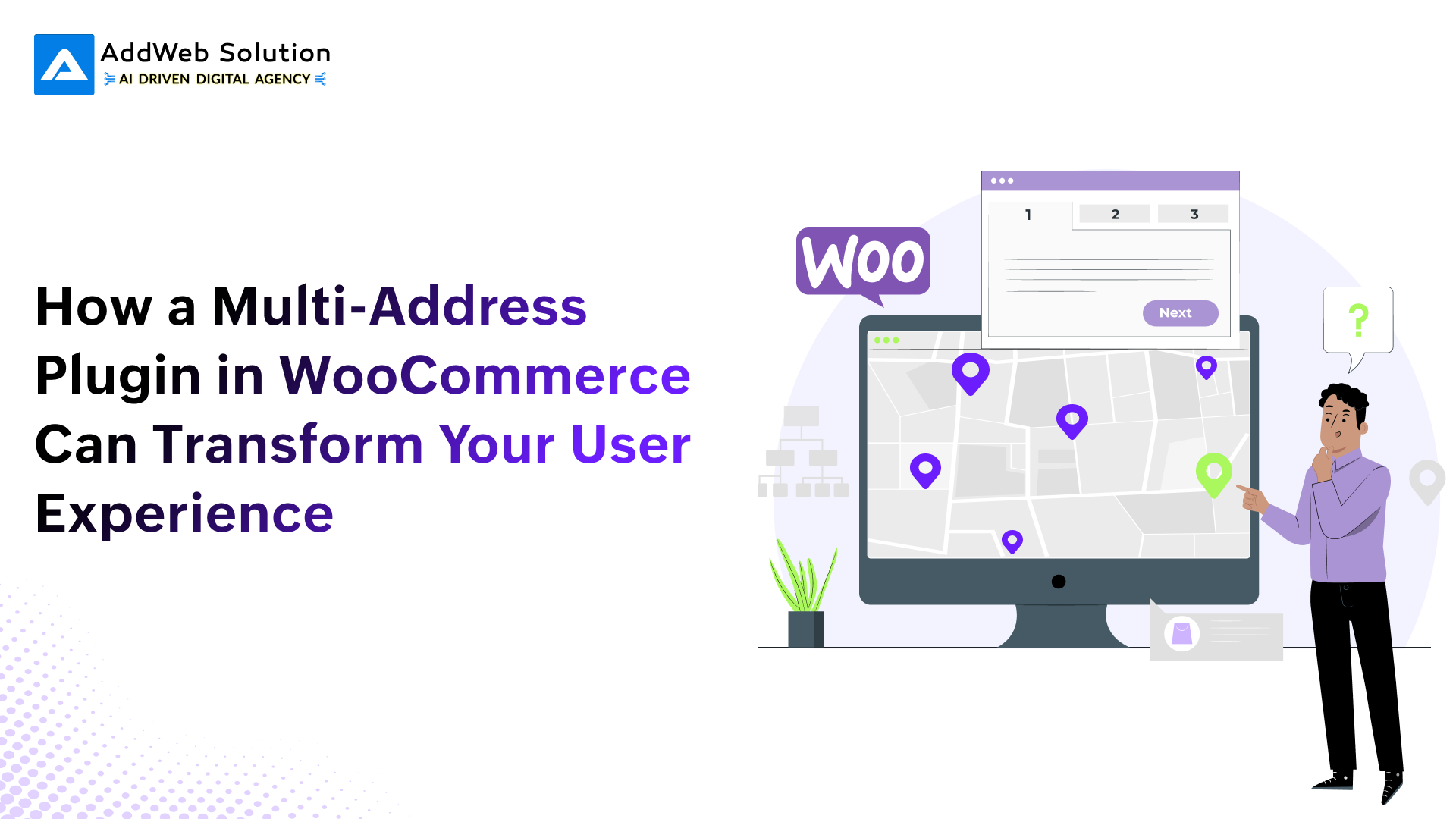
In the eCommerce world today, flexibility and convenience are what make a great user experience. Perhaps the most underappreciated feature of WooCommerce is its limit, out-of-the-box, of supporting only a single shipping and billing address for each customer. This can be adequate for simple transactions, but it is quickly limiting when customers have to ship to multiple destinations.
Whether it’s shipping gifts, corporate deliveries, or frequent shipping to work and home, a one-address system just doesn’t cut it anymore.
That’s where the AddWeb Woo Multi Address plugin comes in. It enables customers to easily manage, store, and choose multiple addresses, bettering their overall experience and the likelihood of repeat orders.


What Is a Multi-Address Plugin?
A multi-address plugin upgrades WooCommerce by allowing customers to:
- Save and store multiple shipping and billing addresses
- Distribute different products to various shipping addresses for one order
- Edit or delete previously saved addresses
This functionality makes WooCommerce a more flexible and dynamic eCommerce site, designed for those who look for greater control over their deliveries.
Limitations of Default WooCommerce
By default, WooCommerce only supports saving a single shipping and a single billing address. This configuration can be limiting in situations like:
- A user sending gifts to multiple friends or family members
- An HR executive ordering items for employees across multiple office locations
- A customer who purchases for home and business requirements
In such cases, customers are usually compelled to make several independent orders, resulting in irritation, inefficiency, and in some cases, abandoned carts.
Introducing AddWeb Woo Multi Address Plugin
The AddWeb Woo Multi Address plugin presents this challenge with a simple and elegant solution. Written by AddWeb Solution, the plugin enables WooCommerce sites to provide multiple address management directly from the user’s dashboard and checkout.
It seamlessly integrates into the current WooCommerce interface and provides necessary features without system bloat or being difficult to configure.
Key Features That Enhance User Experience
- Save Unlimited Addresses: Customers can save as many billing and shipping addresses as they need within their account.
- Assign Different Addresses Per Product: At checkout, the customers are able to choose a different shipping address for every item in the cart.
- Manage Addresses Easily: The users are able to add, modify, or remove addresses from their account dashboard without any inconvenience.
- Seamless Integration: The plugin integrates with default WooCommerce templates and workflows, hence easy to use and adopt.
Transform WooCommerce shopping experience

Pooja Upadhyay
Director Of People Operations & Client Relations
Real-World Use Cases
Below are typical situations when this plugin proves to be worth using:
- On holiday or special occasions, users tend to buy gifts for several individuals. They can send items to the recipient directly through this plugin.
- Companies with dispersed teams are able to order merchandise or materials and send them to various locations.
- Returning customers usually have more than one delivery address (home, office, holiday home) and can change addresses without having to re-enter information every time.
Benefits for Store Owners
Adding a multi-address plugin isn’t solely for customer convenience-your business performance can be directly affected by it.
- Improved Customer Experience: Streamlining checkout eliminates friction and delivers better satisfaction.
- Increased Conversion Rates: With fewer roadblocks at checkout, customers are more likely to make purchases.
- Reduced Customer Support Load: Users can take control of their addresses, decreasing the necessity for manual intervention.
- Competitive Advantage: Providing sophisticated checkout flexibility can help your store stand out against competitors.
Installation and Setup
Setting up the plugin is straightforward:
- Log in to your WordPress dashboard.
- Navigate to Plugins > Add New.
- Search for “AddWeb Woo Multi Address”.
- Click Install and then Activate.
- The plugin is ready to use-no extra configuration required.
Customers will have new features to manage multiple addresses in their account as well as at the checkout stage once installed.
Final Thoughts
Small changes can make a big difference in the eCommerce world, where user happiness and business performance can improve significantly. The AddWeb Woo Multi Address plugin is an easy, efficient fix that does not disappoint on either front.
Whether you operate a gift shop, handle corporate orders, or service a customer base with varied delivery requirements, this plugin is one to consider. It makes your WooCommerce store more adaptable, easy to use, and scalable for today’s shoppers.
Key Takeaways
- WooCommerce’s standard address system can only handle one shipping and one billing address per user.
- The AddWeb Woo Multi Address plugin adds multi-address functionality, enhancing flexibility and user control.
- Customers can save and manage multiple addresses and assign them per item during checkout.
- Store owners benefit from higher satisfaction rates, improved conversions, and reduced support queries.
Download the Plugin:
AddWeb Woo Multi Address Plugin (WordPress.org)
Boost conversions with flexible delivery
Pooja Upadhyay
Director Of People Operations & Client Relations
