


The Real Process That Designers Aren’t Talking About
When you see a portfolio site that looks great, loads fast, and actually converts, it’s not just about slick animations or clean design. The real work happens behind the scenes – knowing why each decision was made and when to make it.
At AddWeb Solution, we’ve built hundreds of portfolio sites for creatives, agencies, and B2B brands. We’ve seen what works, what fails, and where design-to-development handoffs usually break.
This guide shares the real process – practical workflows, real insights, and frameworks we use to build sites that don’t just look good, but perform.
Let’s get into the workflow.
The Strategic Foundation: Where Most Projects Fail
Here’s the hard truth: most portfolio sites fail because strategy gets rushed – or skipped.
Designers jump into Figma. Clients ask for “something modern.” But no one defines success. Weeks later, the site doesn’t generate leads, the message feels unclear, and there’s nothing to measure.
Real strategy takes time – usually a few weeks of focused research and planning. It’s not about speed, it’s about direction.
What this phase actually covers:
- Audience clarity: Who’s visiting and how they decide
- Competitive insight: What’s expected vs. where to stand out
- Clear goals: Leads, authority, or hiring – each changes the site
- Structure & flow: Pages, hierarchy, and featured work
- Success metrics: How you’ll know it’s working
Skip this, and everything else struggles.
| Strategic Phase Component | Time Allocation | Output |
| Discovery & Research | 30% | Competitive analysis, audience insights, goals document |
| Architecture & Wireframing | 40% | Site map, user flows, wireframes for key pages |
| Messaging & Content Strategy | 20% | Value propositions, content outlines, call-to-action strategy |
| Technical Briefing | 10% | Tech stack decisions, integration requirements, SEO strategy |
Why this matters: Design agencies that spend 2–3 weeks on strategy report 50% fewer redesign requests and significantly higher client satisfaction. The work feels slower upfront, but it accelerates everything downstream because the team knows what they’re building and why.
Design Phase: Building for Conversion, Not Just Aesthetics
Once strategy is set, design usually takes a few weeks – and for good reason. This is where conversions are actually shaped.
Great design isn’t just about looking good. It’s about function: where the eye goes, what stands out, and how easy it is to take action. Done right, strong UI and UX can dramatically boost conversions.
The basics that really matter:
- Clear hierarchy: Your strongest message should stand out instantly
- Smart contrast: Attention goes where contrast leads it
- Intentional spacing: Space creates focus and meaning
- Consistency: Familiar patterns build trust and reduce friction
Then comes interaction. Subtle animations, hover states, and smooth transitions aren’t for show – they guide attention and make the site feel alive.
Every portfolio also needs a clear path:
- Hero: Quickly explains what you do and why it matters
- Work: Easy-to-browse projects with clear next steps
- Proof: Testimonials and results to build trust
- CTA: Simple, obvious, and friction-free
When design does its job, visitors don’t just look – they act.
Conversion rates for different content types on portfolio sites:
| Content Type | Typical Conversion Rate |
| Case Study Pages | 3.5% |
| Thought Leadership / Blog | 2.0% |
| Service Landing Pages | 2.7% |
| Problem & Solution / FAQ | 2.7% |
The data shows a clear pattern: specificity converts. Case studies convert 75% better than generic blog posts because they’re proof, not theory.
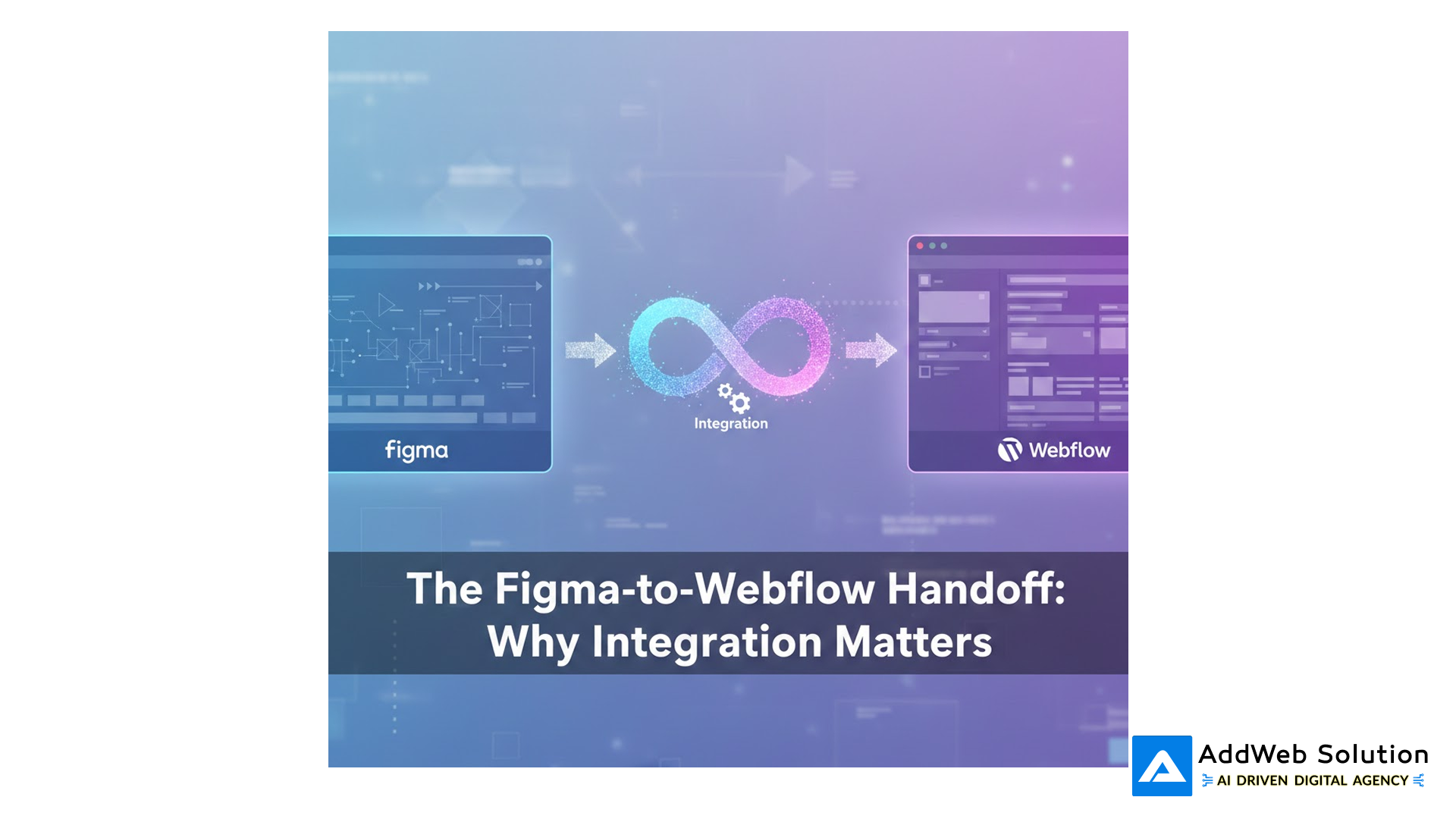
The Figma-to-Webflow Handoff: Why Integration Matters
This is where most teams lose time.
Old workflow: Designers finish in Figma. Developers rebuild everything in Webflow. Feedback loops drag on, details get lost, and timelines slip.
What’s changed: Figma–to–Webflow integration has come a long way in the last year. Today, designs move into Webflow up to 30× faster, staying pixel-perfect without manual rebuilding.
What teams can do now:
- Sync components directly from Figma to Webflow
- Auto-convert layouts into responsive structures
- Keep colors, fonts, and spacing perfectly aligned
- Update designs without blocking developers
The result? Designers and developers work in parallel, not in each other’s way.
For agencies juggling multiple projects, this removes the biggest bottleneck of all: translating designs into code – again and again.
Development Reality: What Takes the Time
Development is where time really adds up.
Most portfolio sites take 5–15 weeks to build, with complex ones landing around 10 weeks. Why? Because development isn’t just “putting pages together.”
This phase covers:
- Making layouts work flawlessly on mobile, tablet, and desktop
- Adding interactions and animations
- Setting up CMS collections for dynamic projects
- Integrations like forms, analytics, and email capture
- Testing performance and browser compatibility
Then there’s performance – the part most teams underestimate.
Only 47% of sites pass Google’s Core Web Vitals, and with 60% of traffic coming from mobile, speed directly affects visibility and conversions. Even a 100ms delay can drop conversions by 7%.
Webflow helps with CDN, image optimization, and clean code – but developers still need to be intentional about performance, not fix it later.
Finally, there’s hidden complexity:
- A poorly planned CMS creates headaches forever
- Mobile-first design saves time; desktop-first wastes it
- Animations need structure to stay smooth, accessible, and scalable
The best portfolio sites aren’t just designed well – they’re engineered that way from day one.


SEO, Performance & The Numbers That Matter
Portfolio sites live and die by visibility. A beautiful site that nobody finds is a missed opportunity.
Why Organic Search Dominates for B2B
For B2B traffic sources, organic search (SEO) delivers 2.6% conversion rate – the highest of any channel except email (2.4%) .
Why this matters: If your portfolio gets 1,000 organic visitors per month and converts at 2.6%, that’s 26 leads monthly. Improve to 3.5% (typical for case studies), and suddenly it’s 35 leads. That’s a 35% revenue improvement from optimization, not new traffic.
Webflow’s Built-in SEO Advantage
Webflow provides native advantages traditional website builders don’t:
- Automatic sitemap generation and updating
- Global CDN for fast load times across geographies
- Built-in SSL (HTTPS by default)
- Customizable meta tags and Open Graph for social sharing
- Structured data support (schema markup for rich snippets)
- Mobile-first responsive design (Google’s mobile-first indexing requirement)
But raw tools aren’t enough. Here’s the actual SEO checklist we use:
| SEO Element | Status | Impact |
| Page speed (Core Web Vitals) | Mobile-first focus required | Ranking factor + conversion driver |
| Heading hierarchy (H1 → H6) | No skipped levels | Crawler comprehension, accessibility |
| Meta descriptions | Unique, 150-160 chars | Click-through rate from search results |
| Image optimization | Alt text + compression | Accessibility + page speed |
| Internal linking | Strategic, descriptive anchor text | SEO value distribution, user navigation |
| Schema markup | Jobposting / LocalBusiness / Person | Rich snippet eligibility |
| Mobile responsiveness | 90%+ pass rate on manual testing | Google indexing priority |
The difference between a “visible” portfolio and a “found” one often comes down to these structural details, not design complexity.
Real-World Results from Portfolio Sites Built Right
Theory sounds good. Results matter more.
Here’s what we’ve seen with real Webflow portfolio projects:
- Creative agency: 50% more qualified inquiries in 3 months
- Freelance designer: 60% more job and project requests
- E-commerce brand: 30% sales lift in the first month
- Education site: 25% more student applications
The common thread? Clear messaging, fast load times, strong social proof, and simple CTAs. Nothing fancy – just intentional.
Webflow’s growth backs this up. With 490K+ active sites and steady adoption by everyone from solopreneurs to brands like Zendesk and Upwork, it’s no longer an “alternative.”
Webflow is now a mainstream choice for teams that care about quality and speed.
Tools, Trends & The No-Code Movement
The tooling ecosystem around portfolio building has exploded. Here’s what actually matters:
Figma + Webflow: The Modern Design Stack
Figma is where design happens. Webflow is where it goes live. Together, they remove handoff friction.
Designers iterate freely, components transfer cleanly, developers focus on logic and performance, and teams stay aligned – especially remotely.
AI in Design to Development
AI is now part of everyday web design – but it’s a tool, not the brain.
It’s great for speeding up layouts, generating assets, and handling repetitive work.
It falls short on strategy, interaction logic, and performance decisions.
The best teams use AI to move faster, not to think less.
The No-Code / Low-Code Boom
No-code isn’t a trend – it’s the new default.
Most new apps are being built this way because teams need speed without sacrificing quality.
Webflow sits right in the sweet spot: powerful enough for serious projects, simple enough to adopt, and fast enough to drive real business results.
The Launch and Beyond
The final phase – testing, launch, and iteration – typically takes 2–3 weeks .
Most teams treat this as checkbox territory: test the forms, deploy, done. Wrong.
Pre-Launch Quality Checks
Before launch, the basics must be solid:
- Everything works: links, forms, mobile interactions
- The site is fast and passes Core Web Vitals
- SEO is clean: no blockers, sitemaps live
- Accessibility is in place: readable contrast, usable with screen readers
- Security is covered: HTTPS, safe forms, trusted scripts
Accessibility especially matters – most sites fail here, and fixing it later is costly.
Post-Launch: Where Growth Happens
Launch day isn’t the finish line – it’s the starting point.
- Week 1: Watch for errors and real user feedback
- Weeks 2–4: Test CTAs, layouts, and messaging
- Month 2: Study behavior – what converts, what gets ignored
- Ongoing: Refresh content, improve SEO, and stay competitive
The best portfolio sites aren’t “set and forget.”
They evolve – and that’s why they win.
💡 An Interesting Fact: The Webflow Shift

The Reality Check
A great Webflow portfolio isn’t magic. It’s:
- Clear strategy, not guesswork
- Intentional design, not just flashy visuals
- Performance-first build, not “fix it later”
- Ongoing improvement, not set-and-forget
If your portfolio isn’t converting, it’s usually not the design – it’s strategy, performance, or both. And that’s fixable.
At AddWeb Solution, we’ve helped agencies and freelancers turn good-looking portfolios into real lead generators – driving more inquiries, more projects, and better ROI.
If you’re rethinking your portfolio or planning a rebrand, let’s talk. We’ll audit what’s holding it back and build something that actually works.
Ready to transform your portfolio from a digital brochure into a conversion engine?

Pooja Upadhyay
Director Of People Operations & Client Relations
Source URLs
- https://webflow.com/integrations/figma-to-webflow
- https://webflow.com/blog/announcing-figma-webflow-design-system-sync
- https://webprofessionalsglobal.org/2025-industry-report-web-design-and-development/
- https://webprofessionalsglobal.org/2024-industry-report-web-design-and-development/
- https://clutch.co/resources/state-of-web-design
- https://www.adalo.com/posts/traditional-coding-vs-no-code-adoption-statistics
- https://userguiding.com/blog/no-code-low-code-statistics
